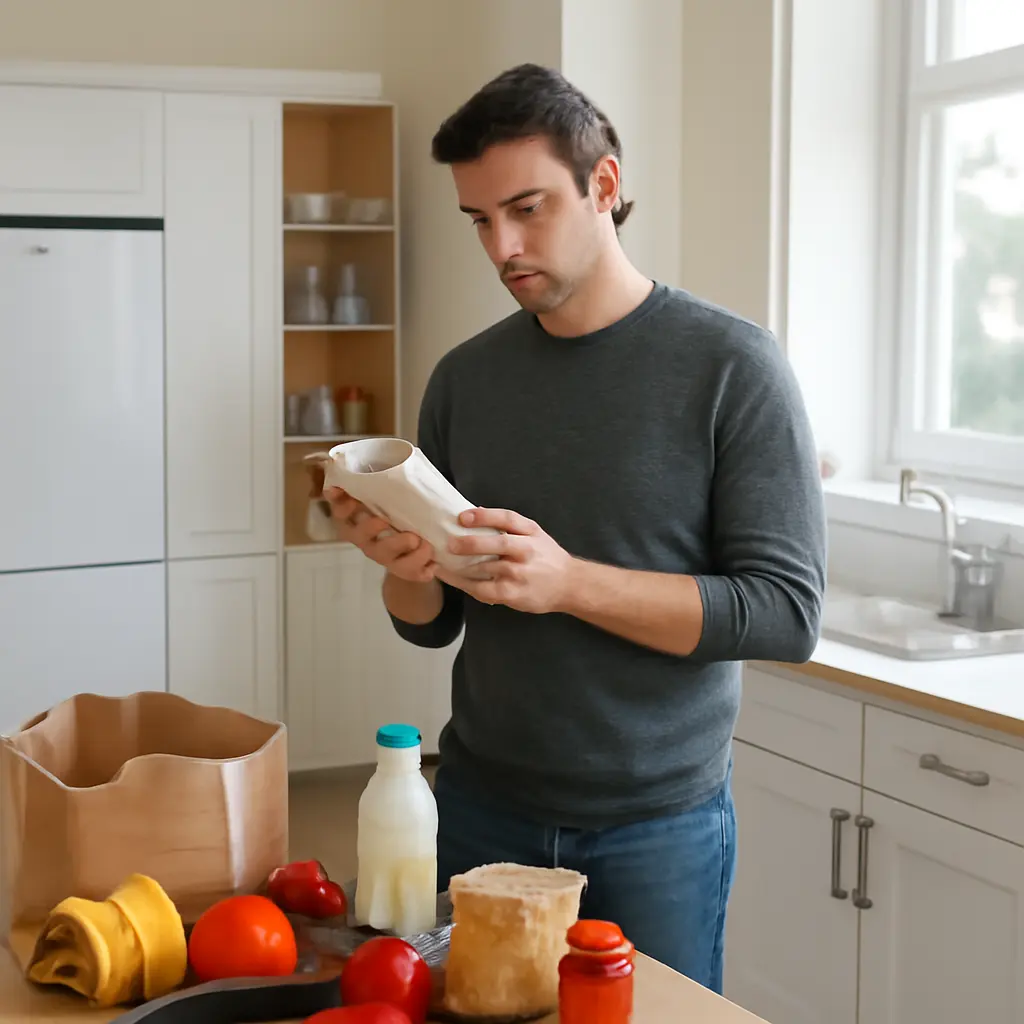
Nutrition-label apps can turn a crowded package panel into a clearer comparison by calculating serving-based amounts, highlighting nutrients, and helping shoppers check products against their needs. A nutrition label reports information such as calories and nutrients per serving; an app can make that information easier to interpret, but it cannot replace the label or guarantee that a product is healthy. The U.S. Food and Drug Administration (FDA) reports that the Nutrition Facts label includes serving size, calories, and key nutrients, while research on front-of-package nutrition labels finds that simplified formats can help consumers make quicker, more informed comparisons. This article explains what label-reading apps do, how their calculations work, what features to look for, and how to use them without being misled.
Nutrition-label apps simplify serving-size and nutrient comparisons
A nutrition-label app is a mobile tool that captures or retrieves food information and presents it in a format intended to support product evaluation. Depending on the app, a shopper may scan a barcode, photograph a label, search a food database, or enter serving details manually. The app can then display nutrients per serving, per package, or per chosen portion and compare products side by side.
The basic calculation is simple but useful: nutrient amount per package equals the amount per serving multiplied by the number of servings in the package. If a cereal label lists 150 calories per serving and the box contains about 10 servings, eating the entire box would provide about 1,500 calories. The app can do this arithmetic quickly, but the result depends on the label’s serving information and the portion entered.
Serving-size calculators show what a portion contains
A serving-size calculator converts the label’s listed amount into the quantity a person plans to eat. FDA serving sizes describe amounts people typically consume; they are not recommendations for how much someone should eat. When a portion is larger or smaller than the listed serving, the app can scale calories and nutrients proportionally, provided the amount is entered accurately.
For example, if a snack lists 200 calories per 30 grams and a person weighs out 45 grams, the estimated portion contains 300 calories. A food scale or reliable household measure improves the estimate. Visual guesses can be inaccurate, particularly for calorie-dense foods such as oils, nuts, and spreads.
Nutrient comparisons make product differences easier to see
Comparison features place products’ calories, saturated fat, sodium, added sugars, fiber, and other nutrients together. Comparing like with like is essential: use the same serving weight, or compare the amount someone would realistically eat. A cereal with fewer calories per serving may not be the better comparison if its serving is much smaller.
The FDA’s Daily Value (DV) helps put nutrients in context. On U.S. labels, 5% DV or less per serving is considered low, and 20% DV or more is considered high. These are general label-reading guides, not individualized targets. Apps that show both the amount and %DV can make the comparison clearer than a color score alone.
Nutrition-label apps depend on accurate data and transparent calculations
An app’s usefulness depends on the quality of its food record, its calculation method, and how clearly it communicates uncertainty. A barcode lookup may retrieve a product entry, but that entry can be outdated, incomplete, or associated with a different package size or formulation. A photographed label may also be read incorrectly if the image is blurry or the text is small.
These tools are best understood as calculators and reference aids, not authorities. The package in hand is the primary source for the product’s current Nutrition Facts information and ingredients. If an app’s figures disagree with the package, check the serving size, package version, and data-entry details before relying on its comparison.
Barcode scanners and label recognition have different limitations
Barcode scanners identify a product record, while label-recognition tools use a camera and software to extract printed information. Scanning is fast when the database matches the exact product, but it may fail for a new flavor, a regional item, or a reformulated product. Optical recognition can save typing, yet a misplaced decimal or misread serving unit can change the calculation.
A careful workflow is to verify the product name, serving size, units, and key nutrient values against the physical package. This is especially important when tracking allergens, medically relevant nutrients, or prescribed dietary limits. FDA labeling rules require major food allergens to be identified on covered packaged foods, but an app’s database entry should not be treated as a substitute for checking the package and contacting the manufacturer when necessary.
Personalized scores should not replace the Nutrition Facts panel
Some apps assign a grade, traffic-light color, or “health” score using their own criteria. Such scores may be convenient for quick screening, but different systems can emphasize different features, such as calories, processing, sodium, or fiber. A single score can obscure why a product received its rating and may not reflect an individual’s health needs, food culture, budget, or overall eating pattern.
Research summarized by the World Health Organization indicates that interpretive front-of-package labels can help consumers understand nutritional information and compare foods. That evidence supports clear presentation, not blind reliance on any one commercial rating. Shoppers should inspect the underlying nutrient amounts and ingredients, then use professional advice when making choices related to a medical condition.
Practical app use turns label data into better-informed choices
A label-reading app is most useful when it answers a specific question: Which of these similar products has less sodium? How much sugar is in the portion I actually eat? Does this package contain multiple servings? Using a focused question helps prevent a long list of app metrics from overwhelming the decision.
A simple comparison workflow improves consistency
- Check the serving size and servings per container on each package.
- Compare products using the same weight or a realistic portion.
- Review the nutrient that matters for the decision, along with calories and other relevant nutrients.
- Read the ingredients and allergen information on the package itself.
- Confirm that the app’s product entry matches the exact brand, variety, and current label.
For instance, someone comparing two canned soups could use an app to normalize sodium per equal volume, then check the package for serving count and ingredients. The app handles the arithmetic; the shopper decides what trade-offs matter, such as sodium, taste, price, and portion size.
Accessibility, privacy, and professional guidance matter
Useful app features include readable text, screen-reader compatibility, metric and U.S. customary units, a clear explanation of data sources, and the ability to correct or report inaccurate entries. Privacy also deserves attention: food logs can reveal routines and health-related information. Before creating an account, review what data the app collects, how it is shared, and whether tracking can be disabled.
People managing diabetes, kidney disease, food allergies, or other conditions may need individualized guidance that a general-purpose app cannot provide. A registered dietitian or clinician can help interpret nutrient targets and account for factors that a product score cannot capture. Apps can support that work by organizing label information, but they should not diagnose, prescribe, or override medical advice.
Conclusion: Apps make nutrition labels easier to use, not unnecessary
Nutrition-label apps can simplify serving-size math, compare nutrients, and make package information easier to scan. Their value depends on accurate product data, transparent calculations, and sensible interpretation. Check the serving size, compare equivalent portions, verify app entries against the package, and treat personalized scores as prompts rather than verdicts. For your next grocery trip, choose one nutrient or product comparison that matters to you and use an app to do the arithmetic while keeping the Nutrition Facts panel and your own needs at the center.
Sources: U.S. Food and Drug Administration, How to Understand and Use the Nutrition Facts Label, https://www.fda.gov/food/nutrition-facts-label/how-understand-and-use-nutrition-facts-label; U.S. Food and Drug Administration, Serving Size on the Nutrition Facts Label, https://www.fda.gov/food/nutrition-facts-label/serving-size-nutrition-facts-label; World Health Organization, Guiding Principles and Framework Manual for Front-of-Pack Labelling for Promoting Healthy Diets, https://www.who.int/publications/i/item/9789240015147; U.S. Food and Drug Administration, Food Allergies, https://www.fda.gov/food/food-labeling-nutrition/food-allergies.