Fitness apps are smartphone or wearable-device tools that guide, track, or support physical activity. Starting out with them does not require a gym membership: a phone, a small amount of space, and a beginner-appropriate plan can be enough to build a routine at home or outdoors. That approach is relevant to a large audience: the World Health Organization reported in 2024 that about 31% of adults worldwide did not meet recommended physical-activity levels in 2022. Apps can make activity easier to plan and monitor, but choosing a safe beginner program, using tracking wisely, and knowing when professional guidance is appropriate matter as much as downloading an app.
Fitness Apps and Gym-Free Exercise: What They Provide
A fitness app is software designed to help people plan, perform, or record exercise and related health behaviors. The U.S. National Library of Medicine’s MedlinePlus describes fitness trackers and health apps as tools that can monitor activity and help users set goals; they are not a substitute for medical care. For beginners, common app categories include guided body-weight workouts, walking and running plans, mobility sessions, activity logs, and habit reminders.
A gym is one setting for exercise, not a requirement for becoming active. The Centers for Disease Control and Prevention (CDC) recommends that adults work toward at least 150 minutes of moderate-intensity aerobic activity each week, plus muscle-strengthening activities on two or more days. The CDC also emphasizes that some activity is better than none, making short, manageable sessions a reasonable starting point. Apps can help organize those sessions without requiring equipment or a paid facility.
Guided workouts and body-weight training
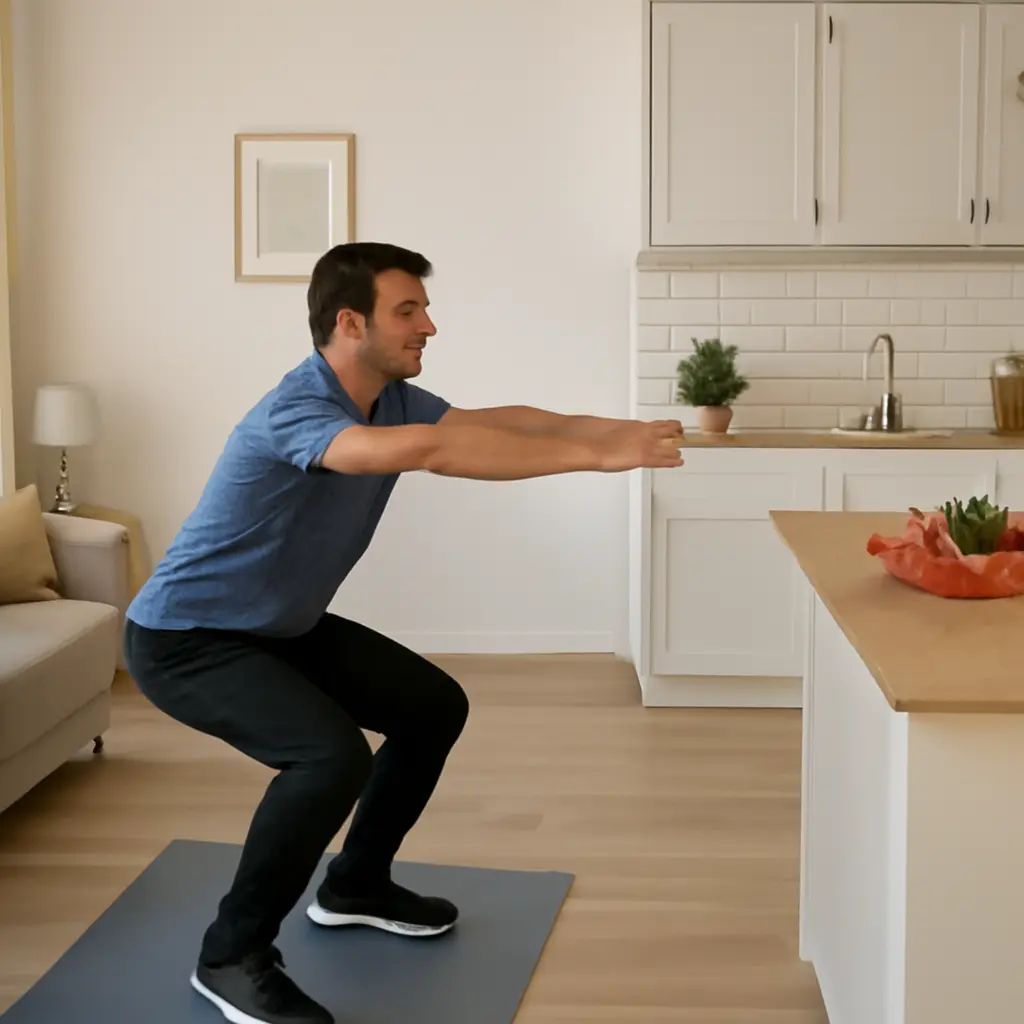
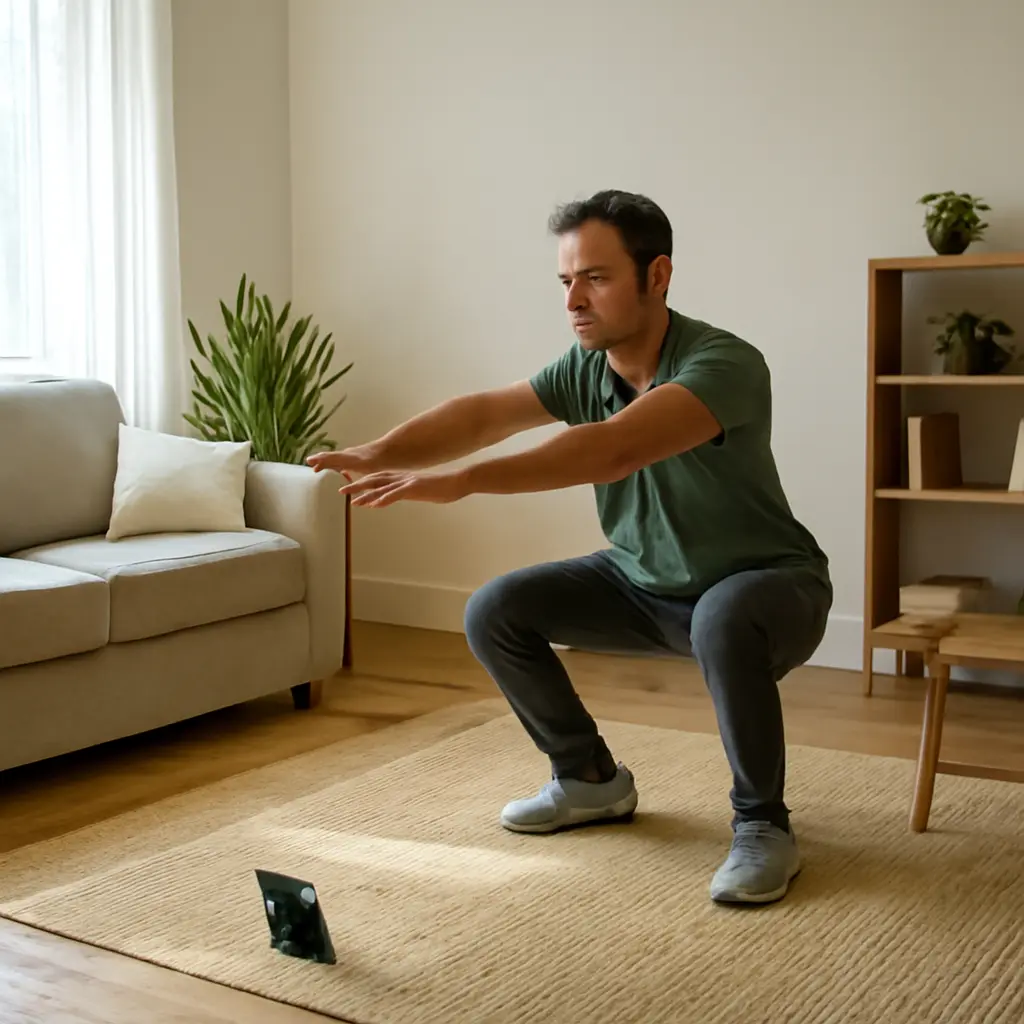
A guided-workout app provides demonstrations, timing, and session instructions. Many beginner plans use body-weight movements such as chair squats, wall push-ups, and supported lunges, which can be adapted to the user’s ability and available space. The American College of Sports Medicine’s exercise guidance supports beginning with manageable workloads and progressing gradually; beginners should prioritize controlled movement and a comfortable range of motion over speed or complexity.
Walking, running, and activity tracking
Walking and running apps can record duration, distance, pace, or route, while step counters estimate everyday movement. Tracking is useful for observing patterns and setting practical goals, but device estimates are not medical measurements. A 2020 review in the British Journal of Sports Medicine found that wearable activity trackers were associated with increased physical activity among adults, although results varied across studies and devices. A beginner can use tracking simply to notice consistency—for example, recording a few short walks each week—rather than chasing a universal step target.
Beginner Fitness Apps and Safe Progression
Safe app-based exercise means choosing activities appropriate to one’s current ability, learning the movements, and increasing training gradually. The CDC’s Physical Activity Guidelines explain that physical activity benefits health, while the appropriate amount and type can depend on age, health status, and capability. An app can deliver structure, but it cannot reliably assess every user’s movement, symptoms, or medical history. Look for clear instructions, modification options, and rest guidance rather than programs that promise rapid transformation.
Start with a realistic weekly plan
A beginner plan is a repeatable schedule built around current capacity, not an ambitious challenge designed for experienced exercisers. Someone who has been inactive might begin with brief walks and two light strength sessions, then increase duration or difficulty as the routine becomes comfortable. The CDC recommends building toward its weekly activity targets over time; the target is a direction, not a requirement to complete everything in the first week.
Use form cues and modifications
Exercise demonstrations should explain setup, movement, breathing, and easier variations. For example, a beginner can perform a push-up against a wall before progressing to a lower surface, or use a chair for balance during a squat. If a movement causes sharp pain, dizziness, or unusual shortness of breath, stop and seek appropriate advice. People with chronic conditions, significant injuries, pregnancy-related concerns, or uncertainty about safe exercise should consult a qualified health professional before starting or changing a program.
Treat app metrics as estimates
Calories burned, heart-rate readings, and recovery scores are estimates that can differ by device and individual. The U.S. Food and Drug Administration distinguishes general wellness products from medical devices intended to diagnose or treat disease; an ordinary fitness app should not be treated as a diagnostic tool unless it has the relevant authorization and intended use. For everyday beginners, duration, perceived effort, and regular participation are often more useful than trying to optimize every metric.
Choosing Fitness Apps Without a Membership
The best beginner fitness app is one that fits a person’s goals, budget, schedule, and comfort with data. A polished interface matters less than clear coaching and a routine the user can sustain. Before subscribing, check whether the app works offline if needed, offers beginner modifications, explains its privacy practices, and makes the costs of premium features clear.
Compare free and paid features
Free apps may include basic timers, walking logs, or a limited selection of workouts; paid plans may add coaching, larger libraries, or personalized schedules. A paid subscription is not a prerequisite for effective exercise. Users can also combine free app guidance with public walking routes, household stairs, or simple equipment such as a resistance band. Review trial periods and renewal terms so that an introductory offer does not turn into an unexpected recurring expense.
Check privacy and accessibility
Fitness apps may collect sensitive information such as location, activity history, or health-related data. The Federal Trade Commission advises consumers to understand what data an app collects, how it is used, and whether it is shared; users should review permissions and privacy settings before connecting accounts or wearable devices. Accessibility also matters: captions, adjustable text, seated options, and low-impact workouts can make an app more usable for people with different needs.
A practical example: a no-gym first week
Consider a beginner who wants to move more but has no equipment. They might use a walking app for three 15-minute walks, follow two short sessions with chair squats and wall push-ups, and schedule rest or gentle mobility between workouts. This is an illustrative plan, not a medical prescription. The user can record sessions in the app, notice which activities feel manageable, and adjust the next week gradually. The key outcome is establishing a routine—not matching an influencer’s workout volume or achieving a particular calorie count.
Conclusion: Build a Routine Before Buying Access
Fitness apps can guide workouts, organize walking, and make progress visible without a gym membership. The most useful approach pairs an appropriate beginner app with gradual progression, realistic goals, attention to symptoms, and sensible privacy choices. Public-health guidance offers a long-term destination—150 minutes of moderate aerobic activity each week for adults, alongside muscle strengthening—but beginners can work toward it in manageable steps. Choose one activity, schedule a short first session, and build consistency before deciding whether extra equipment or a paid membership would add value.
Sources: World Health Organization, “Nearly 1.8 billion adults at risk of disease from not doing enough physical activity,” 2024, https://www.who.int/news/item/26-06-2024-nearly-1.8-billion-adults-at-risk-of-disease-from-not-doing-enough-physical-activity; Centers for Disease Control and Prevention, “Adult Activity: An Overview,” https://www.cdc.gov/physical-activity-basics/guidelines/adults.html; MedlinePlus, “Fitness Trackers and Health Apps,” https://medlineplus.gov/healthapps.html; World Health Organization, “WHO Guidelines on Physical Activity and Sedentary Behaviour,” 2020, https://www.who.int/publications/i/item/9789240015128; Larsen et al., “Effectiveness of physical activity monitors in adults: systematic review and meta-analysis,” British Journal of Sports Medicine, 2020, https://bjsm.bmj.com/content/54/22/1348; U.S. Food and Drug Administration, “General Wellness: Policy for Low Risk Devices,” https://www.fda.gov/regulatory-information/search-fda-guidance-documents/general-wellness-policy-low-risk-devices; Federal Trade Commission, “Health Apps and Your Privacy,” https://www.ftc.gov/business-guidance/resources/health-apps-interactive-tool.